Electronic Signature vs Digital Signature: What's the Difference and How to Sign Documents Online
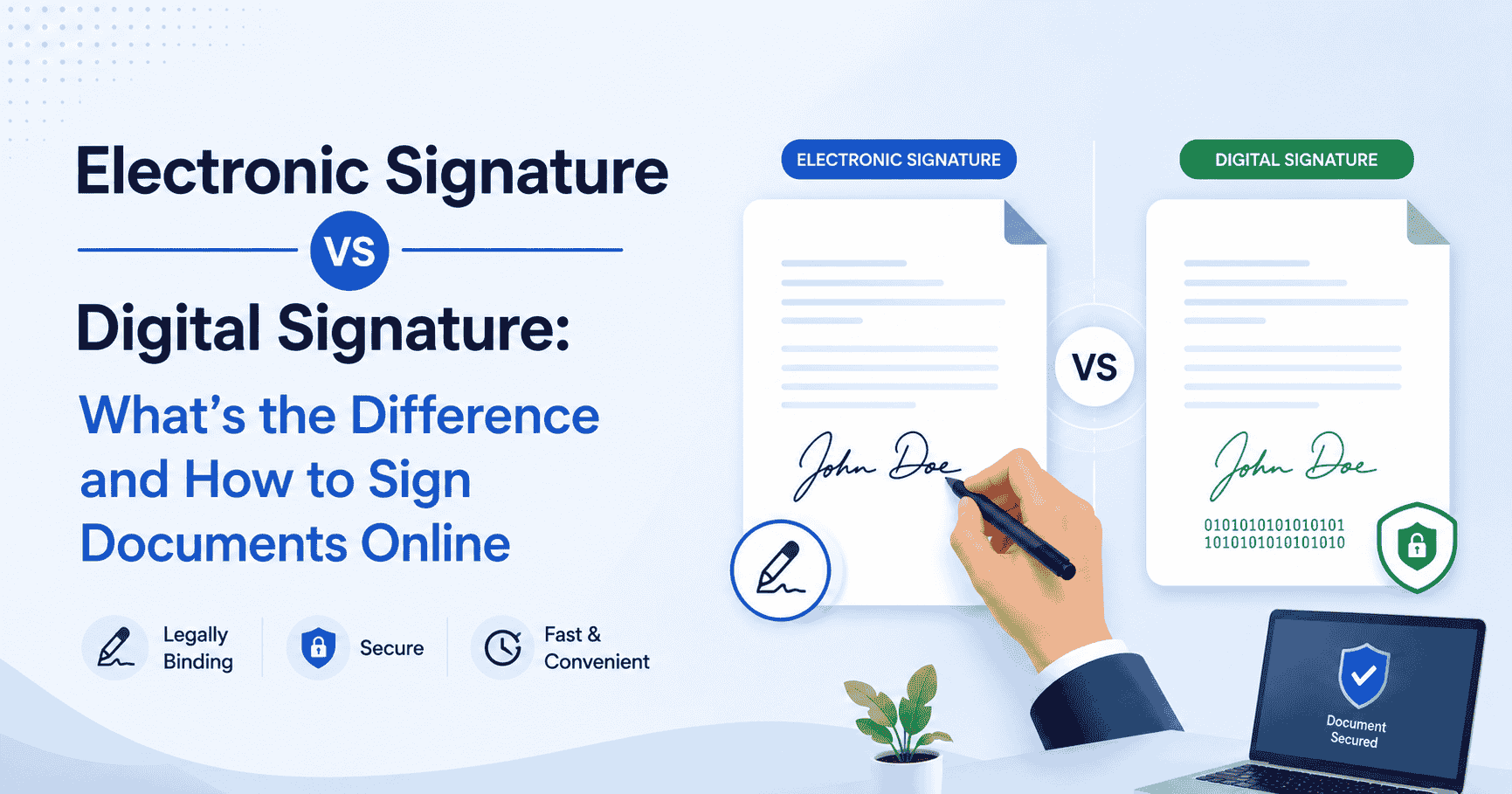
If you've ever tried to sign a contract online and wondered whether you need an electronic signature or a digital signature — you're not alone. The terms get used interchangeably all the time, but they're not the same thing. Understanding the difference between an electronic signature vs digital signature can save you from picking the wrong tool, signing the wrong way, or worse — ending up with a document that won't hold up when it matters.
The good news? Once you know what each type actually means, signing documents online becomes straightforward. And with tools like the IndigoEDocs AI legal document generator, you can go from a blank page to a signed, legally ready document faster than you'd expect.
This article breaks down both signature types, explains when each one applies, and walks you through four easy ways to create an electronic signature today.
Electronic Signature vs Digital Signature: What's Actually Different?
Here's where most people get tripped up: both terms sound technical, both involve signing documents, and both are legally valid in most countries. But they work very differently under the hood.
What Is an Electronic Signature?
An electronic signature is any digital representation of your intent to sign. That could be:
- Typing your name at the bottom of a form
- Drawing your signature with a mouse or stylus
- Clicking an "I Agree" checkbox
- Uploading a photo of your handwritten signature
Under the U.S. ESIGN Act and the Uniform Electronic Transactions Act (UETA), electronic signatures carry the same legal weight as a pen-and-paper signature for most contracts and agreements. The European Union's eIDAS regulation covers similar ground for EU-based transactions.
What Is a Digital Signature?
A digital signature is a specific type of electronic signature — but it uses cryptographic technology. When you apply a digital signature, a certificate authority (CA) issues a unique digital certificate tied to your identity. The signature is then encrypted, so any tampering with the document after signing is detectable.
Think of it this way: every electronic signature is a way to say "I agree." A digital signature is more like saying "I agree, here's my government-verified ID, and I've sealed this document so no one can change it."
Digital signatures are typically required in:
- High-stakes government contracts
- Financial and banking transactions requiring identity verification
- Cross-border legal documents with strict compliance requirements
Are Electronic Signatures Legally Valid?
Yes — in most everyday situations, they absolutely are. The U.S. ESIGN Act (2000) established that electronic signatures are legally enforceable for most contracts, provided both parties consent to signing electronically and the signature can be attributed to the signer.
That covers a wide range of documents people sign every day: employment agreements, NDAs, lease agreements, service contracts, freelance agreements, and more.
There are exceptions. Wills, adoption papers, court orders, and certain real estate transactions in some jurisdictions may require wet ink signatures or notarization. When in doubt, check the specific legal requirements in your state or country — and always consult a lawyer for high-stakes documents.
Disclaimer: This article is for informational purposes only and does not constitute legal advice. Requirements vary by jurisdiction and document type.
4 Easy Ways to Create an Electronic Signature
Ready to ditch the printer, scanner, and fax machine? Here are four practical methods, from the simplest to the most robust.
1. Type Your Name Using an eSignature Platform
The easiest option. Upload your document to an eSignature platform, click the signature field, and type your name. The platform converts it into a stylized signature, timestamps it, and logs the signing event in an audit trail.
This is ideal for most business documents: client contracts, partnership agreements, vendor terms. Platforms like Indigo e-Sign (indigoesign.com) let you send documents for signature, track signing status, and collect legally binding e-signatures without requiring the other party to create an account.
2. Draw Your Signature on Screen
If you want your signature to look like, well, your actual signature, drawing it works well. Most eSignature tools include a draw mode where you can use your mouse, trackpad, or touchscreen stylus to create a handwritten signature.
It's a bit trickier with a standard mouse, but on a tablet or smartphone it feels natural. Once drawn, you can save it and reuse it across future documents — so you only have to do it once.
3. Upload an Image of Your Handwritten Signature
Old school meets new school. Sign a white piece of paper, take a clear photo, crop out the background, and upload the image as your signature. Many platforms accept PNG files with transparent backgrounds, which look clean when placed on a document.
This method gives you a signature that looks exactly like your handwritten one. Just make sure the image is high resolution and the background is clean — a blurry or dark background can look unprofessional on a contract.
4. Use an AI Legal Document Generator with Built-In Signing
This is the most complete workflow — especially if you're generating the document itself, not just signing one someone else sent you.
Tools like the IndigoEDocs AI legal document generator let you create legally drafted contracts and agreements using AI, then send them for signature — all from one place. You describe what you need, the AI drafts a customized document, and then you (and the other party) can sign it electronically. No bouncing between apps. No emailing Word docs back and forth.
This is particularly useful for small business owners, freelancers, and startups who need to move fast without sacrificing legal accuracy.
When Should You Use a Digital Signature Instead?
For the vast majority of documents most people sign — NDAs, freelance agreements, rental contracts, offer letters — a standard electronic signature is completely sufficient.
You'd typically look at digital signatures when:
- Your industry has strict compliance requirements (finance, healthcare, government procurement)
- You're signing international contracts where identity verification is critical
- The other party or their organization specifically requires a certificate-backed signature
- You're dealing with sensitive documents where post-signature tampering is a real concern
If you're not sure which type you need, check the requirements with the other party before signing. In most cases, they're fine with a standard eSignature.
Electronic Signature vs Digital Signature: Quick Comparison
Electronic Signature
- Uses: Everyday contracts, NDAs, business agreements
- Technology: No cryptography required
- Identity Verification: Based on intent and audit trail
- Cost: Generally free or low-cost via platforms
- Ease of Use: Very easy — no technical setup
Digital Signature
- Uses: Government, finance, high-compliance industries
- Technology: Cryptographic encryption via CA-issued certificate
- Identity Verification: Certificate-backed, tamper-evident
- Cost: Higher — requires certificate authority
- Ease of Use: More technical, requires setup
Best Practices When Signing Documents Electronically
Before you click "sign," a few habits that protect you:
Read the document first. Sounds obvious, but AI-generated or template-based documents should still be reviewed. Check that the names, dates, payment terms, and obligations are accurate.
Use a platform with an audit trail. A trustworthy eSignature platform logs IP addresses, timestamps, and signing events. If a dispute arises, this record matters.
Save a copy immediately. Once signed, download a copy and store it somewhere secure. Both parties should have a signed version on file.
Don't mix document creation and signing tools carelessly. If you use one tool to generate a document and a different one to sign it, make sure the exported version is final and hasn't been altered between steps.
Bottom Line
The electronic signature vs digital signature debate comes down to what you're signing and what level of security you need. For most documents — contracts, agreements, letters of intent — an electronic signature is perfectly sufficient, legally recognized, and far more convenient than anything involving a printer.
Digital signatures offer an added layer of cryptographic security for high-stakes situations, but the setup and cost aren't worth it for everyday business use.
If you're not just signing a document but actually creating one too, tools like the IndigoEDocs AI legal document generator give you a full workflow: AI drafts a legally accurate document, you review and customize it, and then you send it for signature. It's the cleanest way to handle business paperwork without the back-and-forth — and without needing a law degree.
Frequently Asked Questions
Q1. What is the main difference between an electronic signature and a digital signature?
An electronic signature is any digital indication of intent to sign — like typing your name or drawing on screen. A digital signature is a specific type that uses cryptographic technology and a certificate authority to verify identity and protect against tampering. Both are legally valid, but digital signatures offer higher security for high-compliance use cases.
Q2. Are electronic signatures legally binding?
Yes, in most countries and for most document types. In the U.S., the ESIGN Act and UETA give electronic signatures the same legal standing as handwritten ones. The EU's eIDAS regulation covers electronic signatures across member states. Exceptions include wills, certain real estate documents, and court orders, which may require wet signatures. This is not legal advice — verify requirements for your specific situation.
Q3. Can I use an electronic signature for an NDA?
Yes. NDAs are among the most common documents signed electronically, and electronic signatures are generally enforceable for them. What matters most is that both parties clearly agreed to sign electronically and that there's a record of the signing event. Using an eSignature platform with an audit trail is the safest approach.
Q4. Do I need an account to sign a document electronically?
Not always. Many eSignature platforms allow signers to complete and sign a document without creating an account — the document is simply sent to them via email. Platforms like Indigo e-Sign support this workflow, making it easy to collect signatures from clients or partners who've never used the platform before.
Q5. When should I use a digital signature instead of an electronic signature?
Consider a digital signature when you're working in regulated industries (finance, healthcare, government), dealing with high-value international contracts, or when the other party specifically requires certificate-backed verification. For everyday business documents, standard electronic signatures are sufficient and much easier to use.